What Pages Should a Small Business Website Have?
Build a Better Business Website: The Key Pages You Should Include
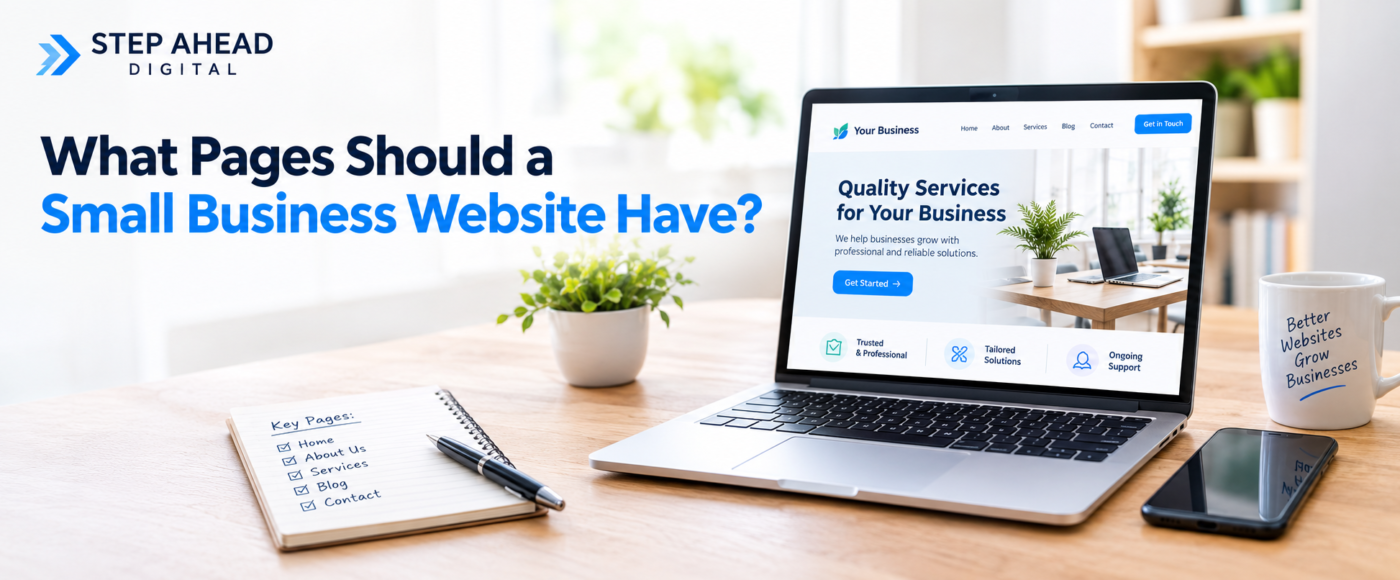
Most small business websites should have five core pages: a Homepage, About page, Service or Product pages, Contact page, and appropriate Legal pages. Depending on the business, additional pages such as Case Studies, FAQs, Location pages and a Blog can improve trust, search visibility and conversions.
The ideal website design depends on the services you offer, who your customers are, and what you want the website to achieve. A plumber covering three towns needs a different structure to a therapist working from one clinic. This guide walks through the pages every small business website needs, plus the pages that help growing businesses stand out. For a broader look at planning your site from the ground up, see our complete guide to small business website design.
Table of Contents
- Essential Pages Every Small Business Website Should Have
- 1. Homepage
- 2. About Us Page
- 3. Individual Service or Product Pages
- 4. Contact Page
- 5. Legal Pages
- Additional Pages That Can Help SEO, Trust and Conversions
- 6. Testimonials or Case Studies
- 7. FAQ Page
- 8. Location or Service Area Pages
- 9. Blog or Resources
- How Many Pages Does a Small Business Website Need?
- Small Business Website Pages Checklist
- FAQs
- Final Thoughts
Essential Pages Every Small Business Website Should Have
Every small business, regardless of industry, needs a small set of core pages before anything else is added. These pages cover the basics a customer needs to understand, trust and contact the business.
1. Homepage
Your homepage should immediately communicate what the business does, who it helps, where it operates, and what services or products are on offer. It should also give visitors a reason to trust you and a clear next step to take.
Within a few seconds, a visitor should know they are in the right place. This means avoiding vague headlines, slow-loading images, or long paragraphs before the key message appears. A strong homepage follows sound web design principles, pairing clear messaging with an obvious call to action, such as a phone number, enquiry form or booking link.
Key takeaway: Visitors should understand what you do and whether you can help them within seconds of landing on your homepage.
2. About Us Page
An About page builds credibility by sharing your business story, experience and the people behind the business. It should include relevant qualifications, accreditations, genuine photos of your team or premises, and the values that set you apart.
This page is not simply a history lesson. Its real job is to answer the customer’s unspoken question: can I trust this business? Focus on experience, outcomes and the people a customer will actually deal with, rather than listing company milestones nobody is searching for.
3. Individual Service or Product Pages
Important services should usually have their own dedicated page rather than being bundled into one general Services page. This allows each page to speak directly to a specific customer need, which also helps it rank for the specific searches related to that service.
A well-structured service page typically covers:
- What the service is
- Who it is for
- The problem it solves
- Key benefits
- How the process works
- Proof, such as testimonials or results
- FAQs specific to that service
- A clear call to action
From an SEO perspective, dedicated pages let a business target distinct search queries, rather than competing with itself using one broad page that tries to cover everything. Our guide to web design structure and SEO explains this in more depth.
4. Contact Page
A good contact page should include your phone number, a contact form or email address, your address where relevant, opening hours, service areas, and a map if it’s useful for customers finding you.
Keep the call to action obvious, whether that’s “Call Now”, “Book a Consultation” or “Request a Quote”. Contact details shouldn’t live on this page alone. They should also appear in your header, footer, or sidebar throughout the site, so visitors never have to search for a way to reach you.
5. Legal Pages
Depending on your business and website, legal pages may include a Privacy Policy, cookie information, Terms and Conditions, and returns or refund information for e-commerce stores. These pages help with transparency and compliance, and build trust with visitors and search engines alike.
Legal requirements vary depending on your location, industry and how you collect customer data, so it’s worth checking current guidance rather than relying on generic templates. This article does not constitute legal advice.
Additional Pages That Can Help SEO, Trust and Conversions
Once the essentials are in place, additional pages can strengthen trust, improve search visibility and support conversions, particularly as a business grows or serves multiple areas.

6. Testimonials or Case Studies
A dedicated page for testimonials or case studies gives potential customers genuine evidence that you deliver results. This can include customer testimonials, the problem solved, results achieved, before-and-after examples, and short client stories.
It’s also worth placing the most relevant proof directly on related service pages, rather than keeping it only on a separate page. Customers often decide whether to enquire while reading the specific service page, not after browsing elsewhere.
7. FAQ Page
An FAQ page answers the genuine questions customers ask before getting in touch, such as pricing, process, timescales, service areas, appointment availability and common concerns. This reduces hesitation and can also appear in Google’s featured snippets and AI-generated answers.
Alongside a general FAQ page, it’s worth adding service-specific FAQs directly on the relevant service pages, so customers get answers in context rather than having to search elsewhere.
8. Location or Service Area Pages
Location pages are useful for any business serving multiple towns, cities or regions. Each page should contain genuinely useful local information, not a duplicate of another page with the town name swapped out.
A useful location page might include local services offered, relevant local projects or clients, local testimonials, availability in that area, and any location-specific details a customer would find helpful. Thin, duplicated location pages tend to perform poorly and can even harm search visibility, so quality matters more than quantity. Our local SEO guide for small businesses covers this in more detail, alongside practical steps in 7 steps for better local area SEO.
9. Blog or Resources
A blog or resources section lets a business answer customer questions, build topical authority, and attract people who are still researching before they’re ready to buy. Useful content also supports SEO by targeting a wider range of relevant search terms.
Blog posts work best when they link naturally back to related service pages and to a broader pillar guide, helping both readers and search engines understand how your content fits together. See our digital marketing guide for small businesses for how content fits into a wider strategy.
How Many Pages Does a Small Business Website Need?
There is no ideal number of pages for every small business website. A simple business may need only five to ten well-designed pages, while a business offering multiple services or operating across several locations may reasonably need considerably more.
Don’t build pages to reach a particular number. Build pages around genuine customer needs, services and search intent. A page that doesn’t answer a real question or serve a real customer need usually adds clutter rather than value, and can dilute the strength of your more important pages.
Small Business Website Pages Checklist
Use this checklist as a quick reference when planning or auditing your website structure.
| Page Priority Purpose | ||
| Homepage | Essential | Introduce the business |
| About | Essential | Build trust |
| Service/Product | Essential | Explain offerings |
| Contact | Essential | Generate enquiries |
| Legal | Essential/as applicable | Compliance |
| Case Studies | Recommended | Provide proof |
| FAQs | Recommended | Answer questions |
| Location Pages | Where relevant | Local visibility |
| Blog/Resources | Growth | SEO and authority |
FAQs
What are the five essential pages for a small business website?
For a standard business web design structure, the five essential pages are a Homepage, About page, Service or Product page, Contact page, and appropriate Legal pages. These cover the basics a customer needs to understand the business, trust it and get in touch.
Does every service need its own page?
Not always, but important or distinct services usually benefit from a dedicated page. If a service has its own customer need, search demand, or process worth explaining, a separate page helps it rank and convert better than being grouped with others on one general page.
Does a small business website need a blog?
Not every business needs one, but a blog helps when customers search for information before buying, or when a business wants to build authority around specific topics. If your audience researches online before contacting you, a blog can support SEO and answer early-stage questions.
Should I create a page for every location I serve?
Only where you can provide useful, location-specific information rather than thin duplicate pages. A location page should include genuinely local details, such as local projects, testimonials or availability, not just a copy of another page with the town name changed.
How do I decide which additional pages my website needs?
Look at the questions customers actually ask, the services that drive the most enquiries, and whether you operate across multiple areas. Build pages around those genuine needs rather than adding pages for the sake of a bigger website.
Final Thoughts: Build Around Customer Needs, Not Page Count
A successful small business website isn’t about having as many pages as possible. It’s about having the right pages to help customers find your business, understand what you offer, trust you and take action.
Start with the essentials, add the pages that genuinely support your customers and services, and let your business goals guide the structure from there. For a full walkthrough of planning, designing and structuring your site, read our complete guide to small business website design. If you’d like help building a website structured around your customers rather than guesswork, the team at Step Ahead Digital is happy to talk through your options.
Sources and References Used
- Step Ahead Digital internal guides and resources, as linked throughout the article
- General web design and SEO best practices based on industry-standard site structure principles